If your home network matters—gaming latency, video calls, multi-device stability, VPN, ad-blocking, smart home isolation—then a router isn’t a “home appliance.” It’s your network’s operating system and control plane.
OpenWrt is how you take back control: you choose the hardware that fits your needs, and you run a system that’s transparent, secure, and endlessly extensible.
1) What is OpenWrt?
OpenWrt is a Linux distribution for routers, gateways, and embedded devices. It’s not “a firmware mod”—it’s a real OS with:
- A modern Linux kernel + networking stack
- A package manager (
opkg) for installing features on demand - LuCI (a web UI) plus full SSH access
- Thousands of community-maintained packages and workflows
The key difference versus vendor firmware is simple: OpenWrt is designed to be upgraded, customized, and maintained over time.
Quick guide: how to choose (by scenario and chipset, with example models)
This is a short “how to actually buy” companion to the checklist above: match whether you need built‑in Wi‑Fi and your tier (high / mid / entry) to common devices—popular targets usually have more guides and community threads.
- No built‑in Wi‑Fi needed
If you only need OpenWrt to run specific services (VPN, ad blocking, etc.), pick a Wi‑Fi‑less device and flash OpenWrt—for example Raspberry Pi, NanoPi R2S, NanoPi R4S, and similar SBCs. x86 boxes are also an option and often offer the highest performance ceiling. - High-end routers
If you want maximum router performance and care less about price or how easy flashing is, follow current “flash popularity” toward Qualcomm IPQ807x and MediaTek MT7986 platforms. Examples: Xiaomi AX9000, GL.iNet GL-MT6000, Redmi AX6000, TP‑Link TL‑XTR6088, Netcore N60 Pro—always confirm the exact model on the OpenWrt device page and recent user reports. - Mid-range routers
For roughly gigabit‑class needs and strong value, MT7981 has been a hot platform lately; the official OpenWrt One hardware uses it too. Many models exist, e.g. GL‑MT3000, Cudy TR3000, CMCC RAX3000M, H3C NX30 Pro—documentation is usually easy to find; GL‑branded units are often a bit pricier. - Budget / entry routers
For basic internet use with under ~500 Mbps WAN, consider MT7621—one of the most popular Wi‑Fi‑5‑era chips for OpenWrt, with lots of supported devices and tutorials. Examples: Xiaomi R3G, Xiaomi R4, Redmi AC2100, Buffalo WSR‑600DHP, ASUS AC‑65P.
Many routers manufactured by Chinese vendors—such as GL-iNet, Xiaomi, and Cudy—can be easily flashed with OpenWrt. This includes numerous high-performance models. You can purchase these devices via Taobao International. if you encounter any difficulty acquiring specific models, please follow the author on X (formerly Twitter) or Telegram, as we are considering making these products available to the community in the future. We are also open to potential collaborations.
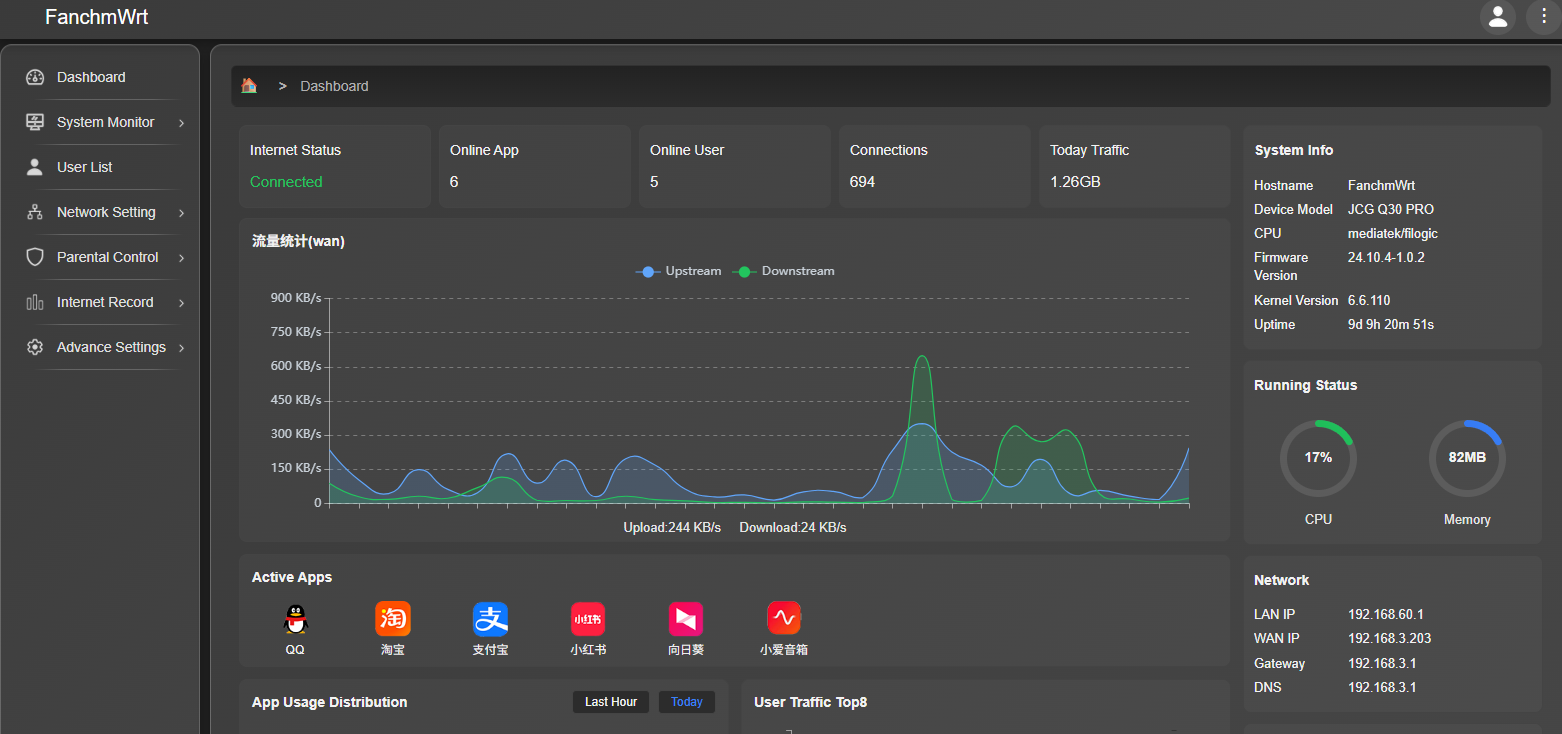
I am also developing a user-friendly router system based on OpenWrt; the code is open-source, and the user interface closely resembles that of commercial routers.
System Official Website:
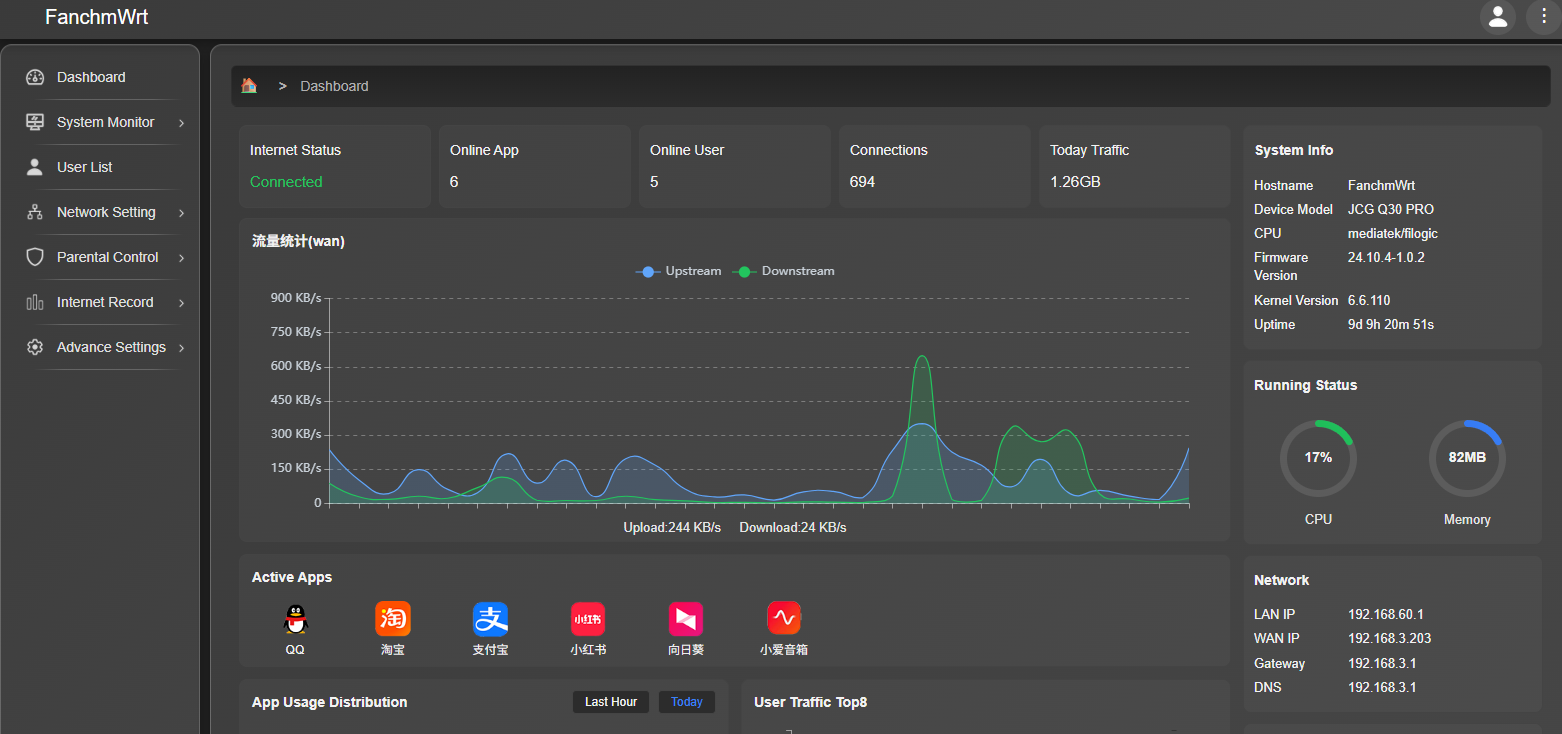
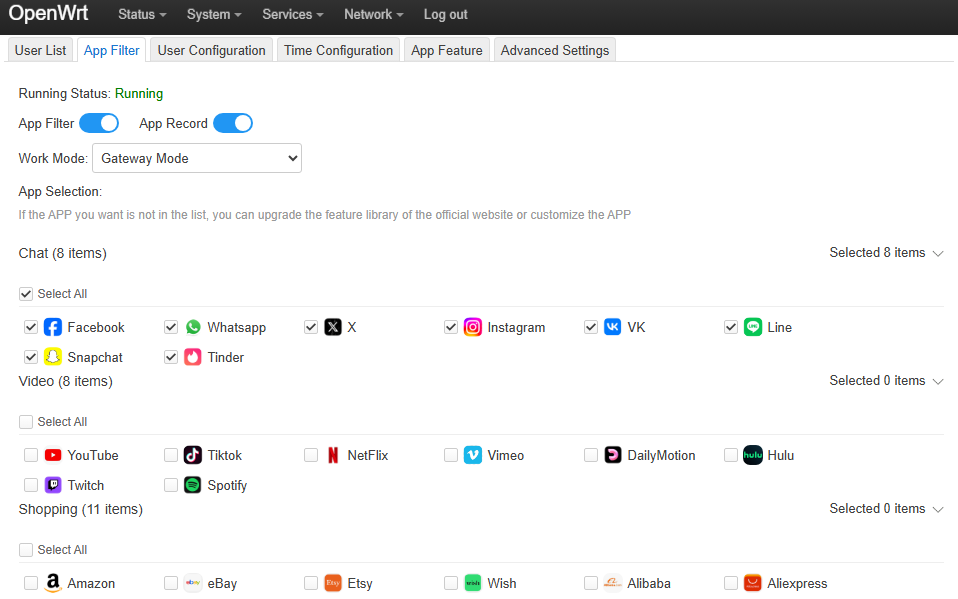
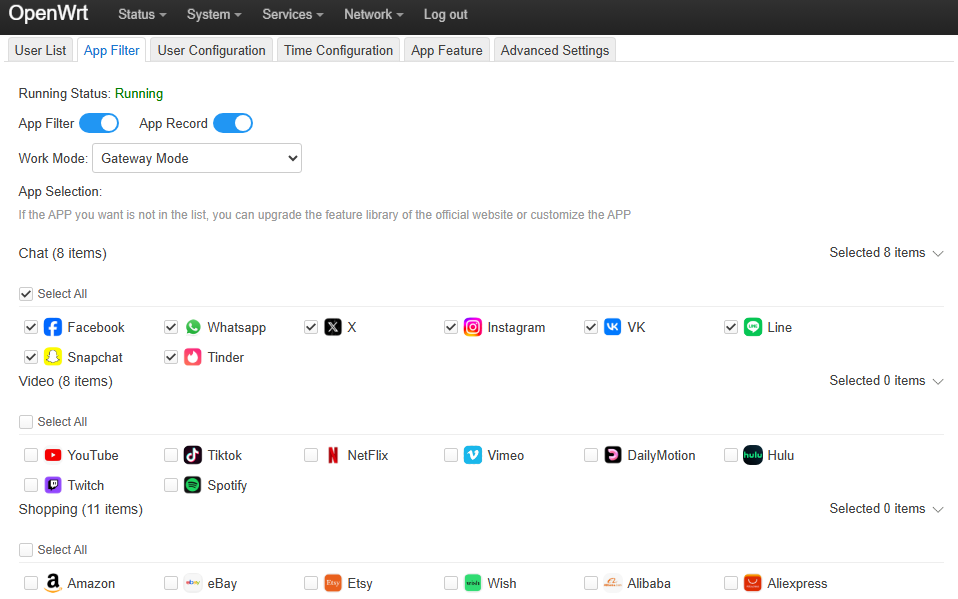
You can also directly install the OpenAppFilter plugin. OpenAppFilter is a parental control plugin that allows you to view user lists and application logs, and supports blocking specific applications, such as YouTube,Facebook, X.